
Employee Scheduling Software Guide
A practical guide to choosing employee scheduling software for shift-based teams, from retail to healthcare to field services. What features matter, what's just marketing, and how to evaluate options.
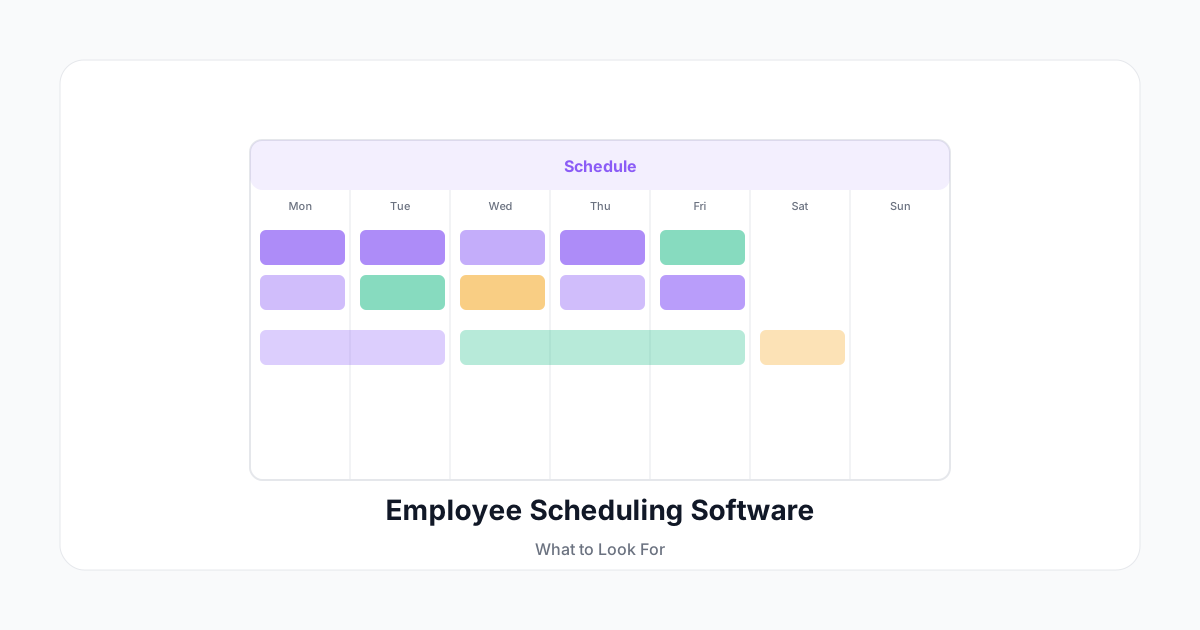
Scheduling software solves a problem that sounds simple but gets complex fast: making sure you have the right people in the right place at the right time, without overscheduling, underscheduling, or burning out your best employees.
If you manage shift-based teams—retail, healthcare, hospitality, field services, or any hourly workforce—this guide is for you.
The Core Problem Scheduling Software Solves
Manual scheduling in a spreadsheet works until it doesn't. The failure modes are predictable:
- You don't know who's available when you're building the schedule
- Shift swaps happen over text message and don't get recorded
- Someone finds out their schedule changed only when they arrive for a shift that no longer exists
- Overtime creeps in because you can't easily see weekly hour totals
- You have no record of who actually worked vs. who was scheduled
The moment you have more than 10 employees with variable schedules, dedicated scheduling software pays for itself.
Must-Have Features
Availability Management
Employees should be able to set recurring availability (e.g., "unavailable Monday mornings") and submit one-time unavailability requests. Good scheduling software surfaces this when you're building the schedule—rather than letting you accidentally schedule someone who's already told you they can't work.
Shift Templates and Copy-Forward
Most schedules are variations on the same base. You should be able to create a template week and copy it forward, then adjust exceptions. Building from scratch every week is needless overhead.
Mobile-First for Employees
Your employees will access their schedules from their phones. The mobile experience should let them:
- View their schedule at any time
- Request time off
- Initiate shift swaps with eligible co-workers
- Confirm or acknowledge schedule changes
Red flag: If the employee-facing mobile experience is an afterthought—a mobile-formatted web page rather than a native app—that's a sign the product wasn't built with frontline workers in mind.
Automatic Overtime Visibility
The scheduler should show you projected weekly hours per employee as you build the schedule, with a clear flag when someone is approaching or exceeding overtime thresholds. This makes overtime a visible choice rather than a surprise on the payroll run.
Shift Swap and Coverage Workflows
Employees will need to swap shifts. The question is whether that swap happens in your system (with a record) or in a group text (with no record). Good systems:
- Let employees request swaps directly with a specific colleague
- Or post an open shift for any eligible employee to claim
- Route the swap through manager approval before confirmation
- Update the schedule automatically once approved
Notifications and Reminders
Scheduling conflicts happen. Good software prevents them with:
- Automatic reminders to employees 24 hours before their shift
- Instant notification when their schedule changes
- Manager alerts for open/uncovered shifts
Integration with Time Tracking
When scheduling and time tracking are the same system (or tightly integrated), you get a powerful comparison: scheduled vs. actual hours. This reveals patterns—who consistently leaves early, which shifts tend to run long, where you're systematically over-staffed.
What to Avoid
Systems That Don't Track Actual vs. Scheduled
If your scheduling software only manages who's supposed to work—and a separate system captures who actually worked—you're creating a reconciliation problem.
Per-Location Pricing That Doesn't Scale
Some vendors price per location rather than per user. This seems fine until you open your second location and your cost doubles while your team barely grows.
Inflexible Role Permissions
You likely want team leads to manage their own team's schedules without accessing HR data or other departments. Rigid permission models that are either "full admin" or "no access" will either give team leads too much or force admins to do all scheduling.
Hidden Costs for Compliance Features
Overtime rules, break requirements, and predictive scheduling laws (which exist in San Francisco, New York, Chicago, and others) should be core features—not premium add-ons. If compliance costs extra, that vendor is betting against your labor law knowledge.
Evaluating Options: A Practical Framework
Run each contender through this checklist before making a decision:
Setup and Onboarding
- Can a non-technical manager set up their first schedule in under 30 minutes?
- Is employee self-setup simple enough that you can onboard via a link?
- Does data import work cleanly from your existing system?
Daily Operations
- Can the mobile app handle all employee self-service tasks?
- Does the shift-swap workflow complete without manager having to log into a desktop?
- Are overtime warnings clearly visible during schedule creation?
Reporting and Compliance
- Can you export labor cost reports by department, role, and date range?
- Does it calculate daily overtime for California and other strict states?
- Is the audit trail sufficient for a wage claim defense?
Support
- Is there a real human to call when something breaks on Saturday morning?
- What's the SLA for critical issues?
Run the trial with your actual managers on your actual schedule data. The difference between a software demo and real-world use is always revealing.
Implementation Tips
Pilot with one team first. Don't roll out to all 80 employees on day one. Pick one team lead who's technically comfortable, run it live for two weeks, learn what breaks, and refine before scaling.
Migrate historical data minimally. It's tempting to import years of schedule history. In practice, most teams only need the current schedule and open time-off requests. Clean data migration beats complete data migration.
Set expectations clearly. Tell employees what's changing, when, and what they need to do (download the app, set their availability). If they hear about it from a manager who also doesn't know, you'll face resistance that has nothing to do with the software.
The right scheduling software is infrastructure. When it works, no one notices. When it fails—or doesn't exist—everyone feels it. Getting this decision right is worth the evaluation time.