
Project Budgets Without the Spreadsheet: Track Burn in Real Time
You set a project budget in a spreadsheet in January. It's March — do you know how much is left? Almost nobody does, because the budget and the hours live in different places. Project budgets without the spreadsheet means the budget and the hours are the same object: set a number, log time against the project, and the remaining budget updates itself. No month-end reconciliation, no surprise at the end.
You set a project budget in a spreadsheet in January. It's March. Do you know, right now, without opening anything, how much of that budget is left? Almost nobody does — because the budget lives in one place and the hours live in another, and the two only meet when someone remembers to reconcile them. By then the project is either fine or it's already over, and you find out too late to do anything about it.
Project budgets without the spreadsheet means the budget and the hours are the same object. You set a number, time gets logged against the project, and the remaining budget updates itself. No month-end reconciliation, no "let me get back to you on where we are," no surprise at the end. Here's how the per-project tracking workflow actually works.
The problem with the spreadsheet
A budget spreadsheet is a snapshot that's wrong the moment you close it. Every hour logged somewhere else — a timesheet, a tracker, a sticky note — has to be copied back in by hand before the number means anything. Three things go wrong, every time:
- The number lags reality. The spreadsheet says 60% consumed; the real figure is 85% because last week's hours aren't in yet. You make decisions on a stale number.
- Nobody owns the reconciliation. It's everyone's job, so it's no one's job. The update happens when a client asks, which is exactly when you don't want to discover you're over.
- Money and hours drift apart. The hours budget is in one tab, the rate math in another, and the two disagree. You can tell a client how long but not how much — or vice versa.
None of this is a discipline problem. It's a structure problem: the budget and the work were never connected.
Connect the budget to the work
A Project in tally5 is a first-class thing time attaches to. It belongs to your organization, optionally to a client, and it carries a budget — in hours, in money, or both. Once time entries attach to the project, the budget stops being a static number and becomes a live one:
- Hours consumed is the sum of every hour logged to the project.
- Cost consumed is those same hours multiplied by their billable rate.
- Remaining and percent consumed fall out automatically, and the project flips to over budget the moment consumption goes past the limit.
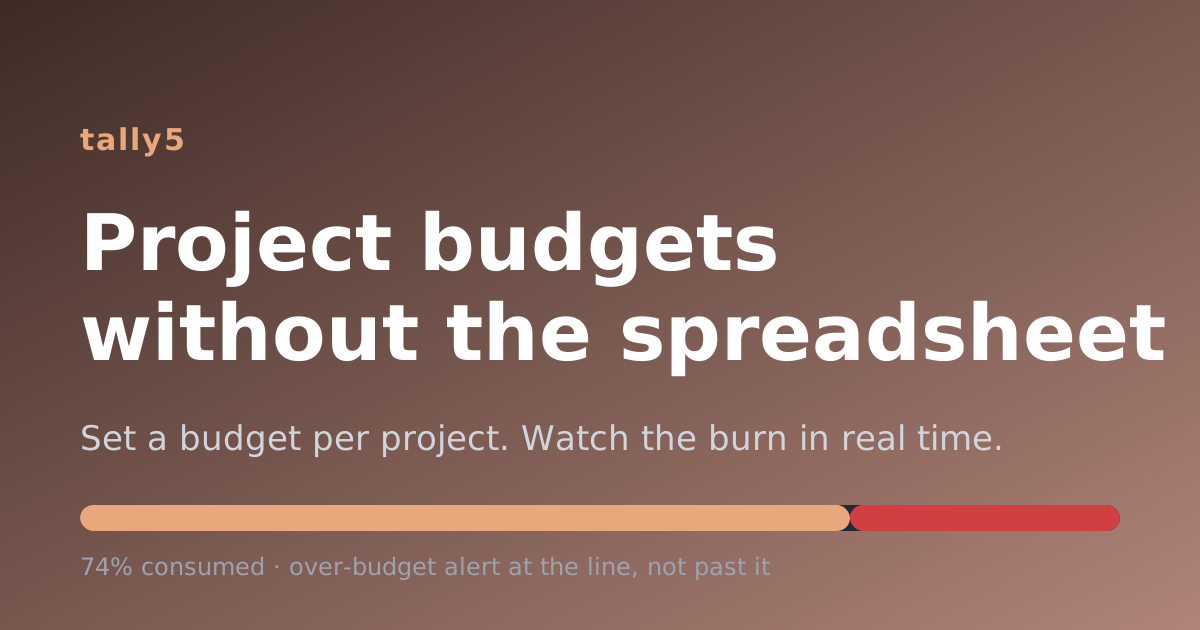
That last detail matters: you watch the budget close in the whole way. At 100% the bar is full and nothing is left; the very next hour tips the project into over budget — the moment it happens, not at month-end when it's too late to act.
The per-project tracking workflow
- Create the project and set a budget. Name it, optionally give it a code and a client, and set an hours budget, a monetary budget, or both. A project with no rates yet is tracked hours-only until the rates arrive — no broken math in the meantime.
- Log time to it. When your team enters time, they pick the project. Every entry updates the burn immediately. There's no separate "update the budget" step because there's no separate budget to update.
- Watch the burn. The project detail view shows a progress bar for hours and money, the percent consumed, and a per-week burn with running totals — so you see not just where you are but how fast you're getting there. An over-budget banner appears the moment a dimension crosses its line.
- Report by project. Reports and exports group and filter by project, summing hours and cost per project over any date range. "Where did the hours and the money go?" becomes a question with an instant answer.
Who sees what
Budgets are sensitive, so visibility is role-gated. Organization admins see every project and its monetary budget. Timesheet admins manage projects and see the hours but not the money. Everyone else sees only the projects they're a member of. These rules are enforced in the data layer, not just hidden in the UI — so the API respects them too.
Know exactly where the hours (and the money) go
The spreadsheet made you choose between an accurate budget and a current one; you could never have both. Connecting the budget to the work removes the choice. Set a budget per project, let the hours flow in as they're worked, and watch the burn in real time — no reconciliation, no surprises, no surveillance. Just the number you actually need, always current.
Ready to retire the budget spreadsheet? Start your free trial and set a budget on your first project in under a minute.